Over the Hill PC performance
Checked 17 October 2026. Updated 2026-10-17.
This page is troubleshooting guidance, not a GPU benchmark. Steam supplies minimum hardware requirements, and the developer technical FAQ edited 14 October 2026 supplies terrain and Linux advice. Unsupported numeric preset tables are omitted.
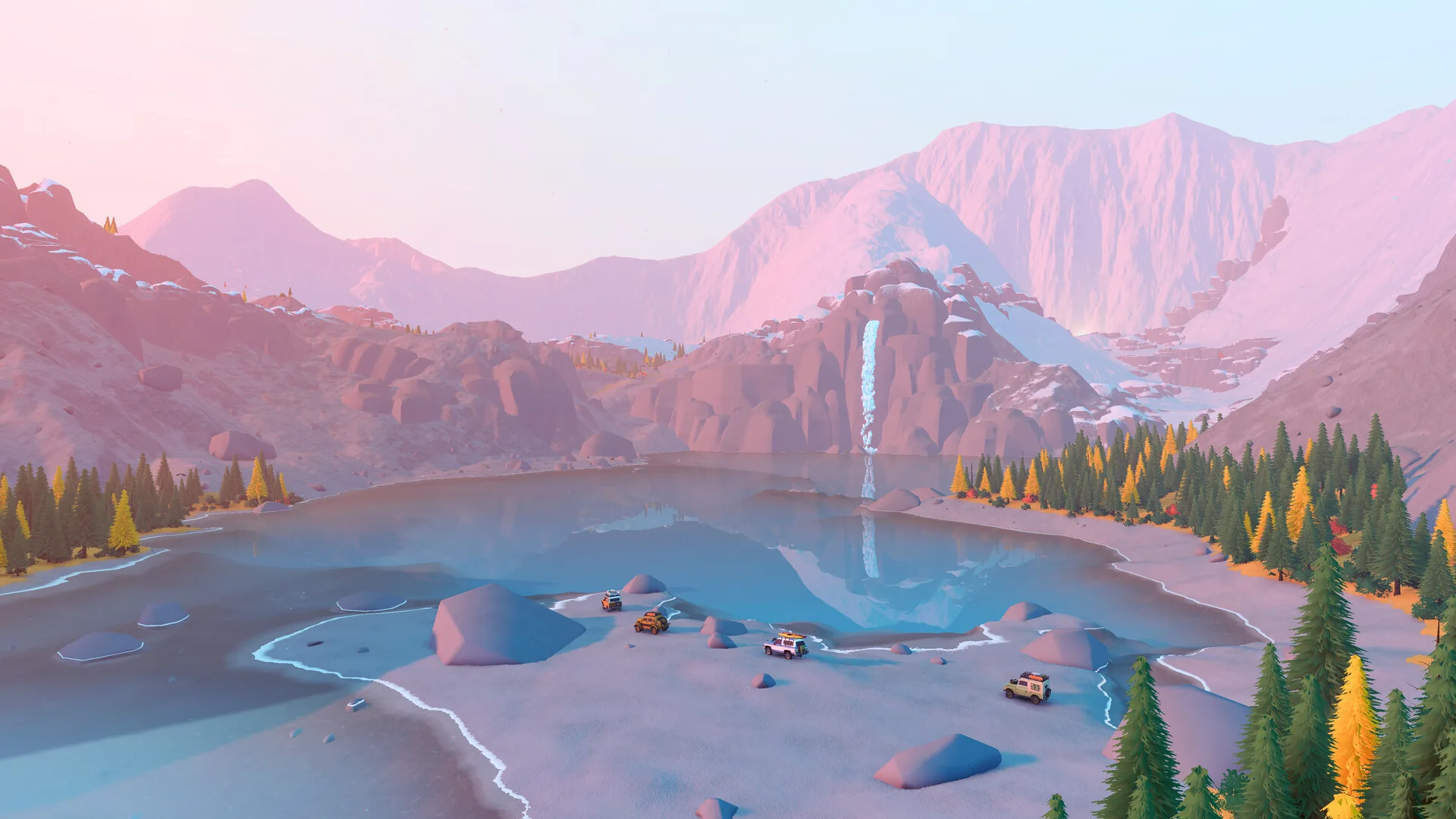
Start with the symptom
For invisible terrain, open Steam → game Properties → General → Launch Options, add -msTessOnce 0 and relaunch. This is the official technical FAQ’s workaround, particularly for older hardware.
For low frame rate, our suggested test is to lower graphics settings or resolution, change one option at a time and compare the same scene. Inspect any frame limiter before assuming a ceiling is a bug. No specific default cap, preset or FPS improvement is verified here.
Linux and the hardware floor
The technical FAQ confirms a native Linux build optimized only for Steam Deck. It warns of black or blue flickering on other Linux systems with Nvidia GPUs at high quality and resolution and recommends Proton for that case. This newer guidance supersedes the general FAQ’s older no-native-build plan.
Steam’s minimum GPU is a GTX 1070 or RX 5600 with 8 GB RAM, tested at Full HD. No complete official recommended specification is published. The studio acknowledged demo performance concerns, but that historical update is not a current benchmark or proof every issue is fixed.
Questions
Why does the frame rate stop at a fixed number?
Inspect game, display and driver frame-limit settings first. No exact default cap is verified here, so this page does not diagnose every frame-rate ceiling as the same issue.
Is there an official recommended GPU?
No. Steam's recommended block only requires a 64-bit CPU and OS. The minimum row is the only full official spec.